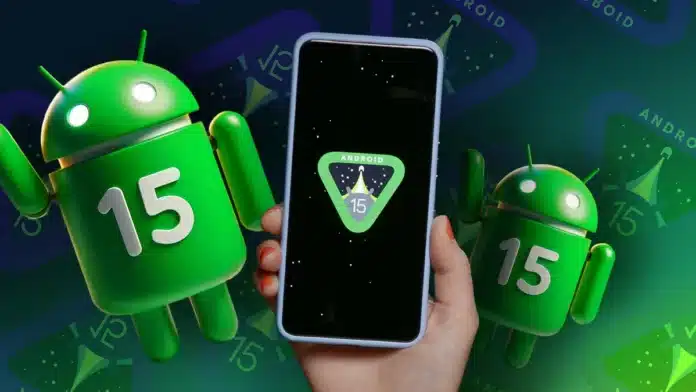
Google, in its 2024 IO, announced the release of the Beta version of Android 15. Android 15 features vary from its earlier version significantly. If you wish to download the Beta 2 version of Android 15 for now, you must own Google Pixel version 6 or higher models.
In this article, we are here to tell you about all the new features in Android 15.
also read: How to Turn Off Dark Mode on Google: A Step-by-Step Guide
Features Rolling Out With Android 15 Release
1. Private App Vault
With Android 15, you can transfer some of the apps to a private tab. You can apply to lock that tab to ensure the safety of these applications.
You will be able to access this section by app launcher and can’t access these apps if your phone is locked.
After sending your apps to private space, you won’t be getting notifications from them. This feature is specifically helpful to secure your payment apps or social media.
2. Notification Cooldown
If you get a load full of notifications from an app, and your phone buzzes on every notification, it can be a little annoying.
However, another super helpful feature rolling out with Android 15 is the notification cooldown.
After turning this setting on, if you are getting multiple notifications from the same app. After one buzz, the sound will gradually go down.
3. Remove Keyboard Vibrations
While using a third-party keyboard, if you find its vibration irritating and need to change its setting now and then, Android 15 is now providing the option to turn off keyboard vibration in its haptic setting. This setting will apply to all your keyboards.
4. Split Screen App Pair
My favorite Android 15 update is the split-screen app pairing feature. If you are splitting your device screen often to the same set of app pairs regularly, you can now club them together with a single tap to enable it.
Instead of launching an application, splitting the screen, and opening a second application, you can define the split screen app pair feature and use that.
5. Updated Volume Slider
As a UI update, Android 15 is bringing a wider volume panel laid out horizontally. It is much easier to increase or decrease volume settings with this update.
6. Record a Single App
Initially launched in the Android 14 Beta 3 version, you can now record only app-specific details while using screen recording.
This feature is handy when you want to record the screen but don’t want the notification panel and external elements to impact it.
7. App Archiving
If you want to reduce app storage but at the same time want to keep your login credentials and important data intact, you can archive an application.
This feature is very similar to the iOS offloading feature and significantly reduces the storage size of an application.
8. Audio Sharing
Another exciting feature launching as a part of Android 15 is audio sharing by connecting multiple Bluetooth audio devices with your mobile.
Next time, if you want to connect more than one Bluetooth earphone to your mobile, you can do it with a single-button toggle.
9. Satellite Message Connectivity
If your mobile device is not connected to an active network, you can still send SMSs or MMSs on your device via satellite connectivity. This feature will also work on Google messages.
Wind Up
We won’t be wrong in calling Android 15 one of the biggest mobile OS releases. All these new features in Android 15 will improve your UI/UX experience and at the same time, will ensure security.
We have tried listing down the crucial changes you will observe post-release, but this release involves many more bug fixes and security updates that will make your mobile device secure and smooth.